
How do I download the latest firmware for my EDI or Reno monitor?
This article discusses how to download the latest firmware for your EDI or Reno monitor.
Please see the links below and procedure to download the latest firmware for your EDI or Reno monitor:
- Navigate to our website here.
- Fill out the form with your monitor model and contact information.
- If your monitor is not listed, choose Monitor not listed to request your model to be added.
- The tool will provide you with a download link to the firmware file.
- Download the firmware file and install onto your device.
- Ensure the update was successful.
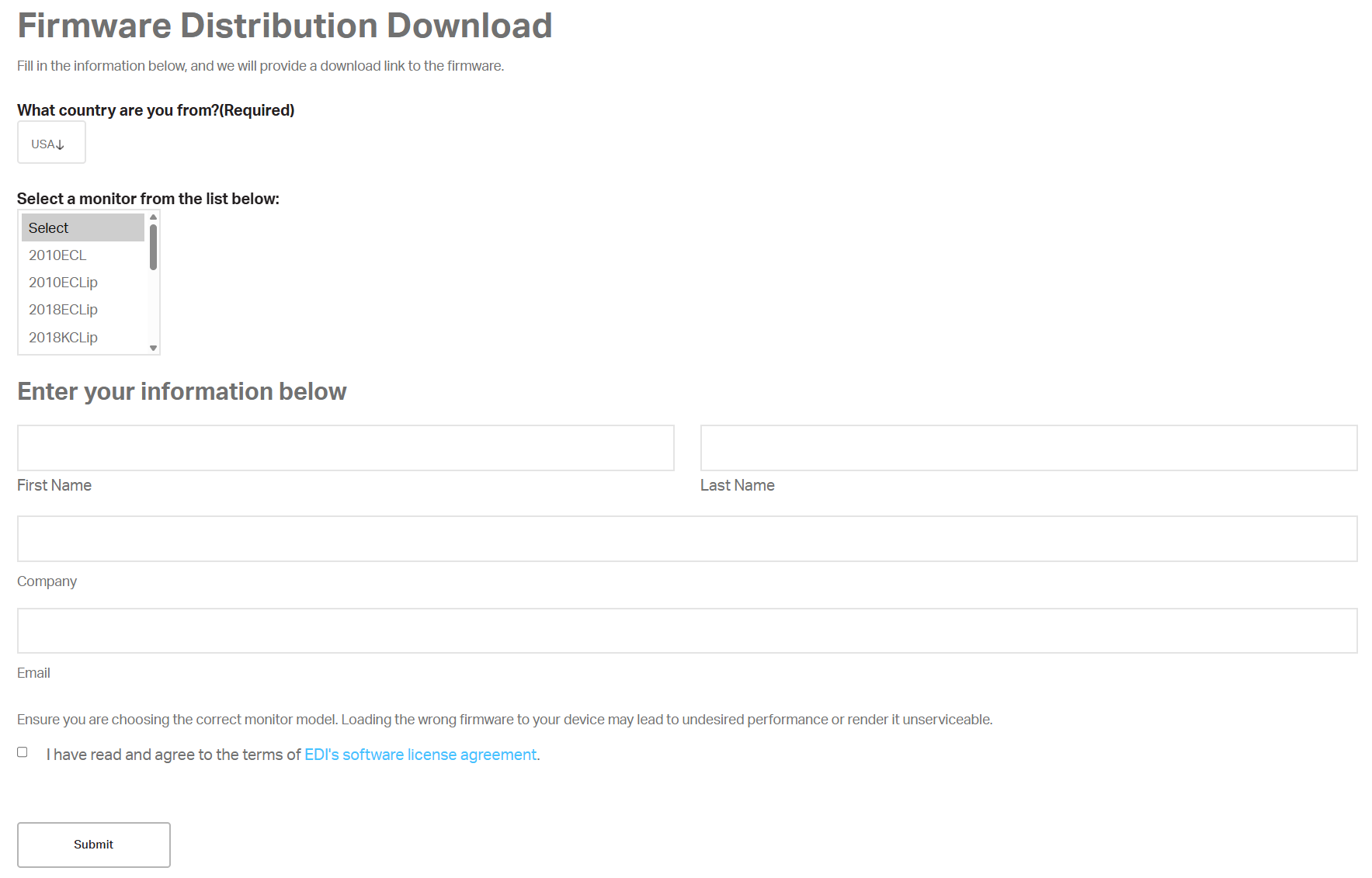
Ensure you are filling out the form accurately for the model of monitor you have. Loading the wrong firmware file monitor may lead to undesired performance or render it unserviceable
Contact EDI for any questions or concerns on the correct firmware for your product, or if your monitor was not listed as part of the options for downloading the latest firmware.